YouTube UI Design: Enhancing User Experience and Functionality
UI Changes Overview:
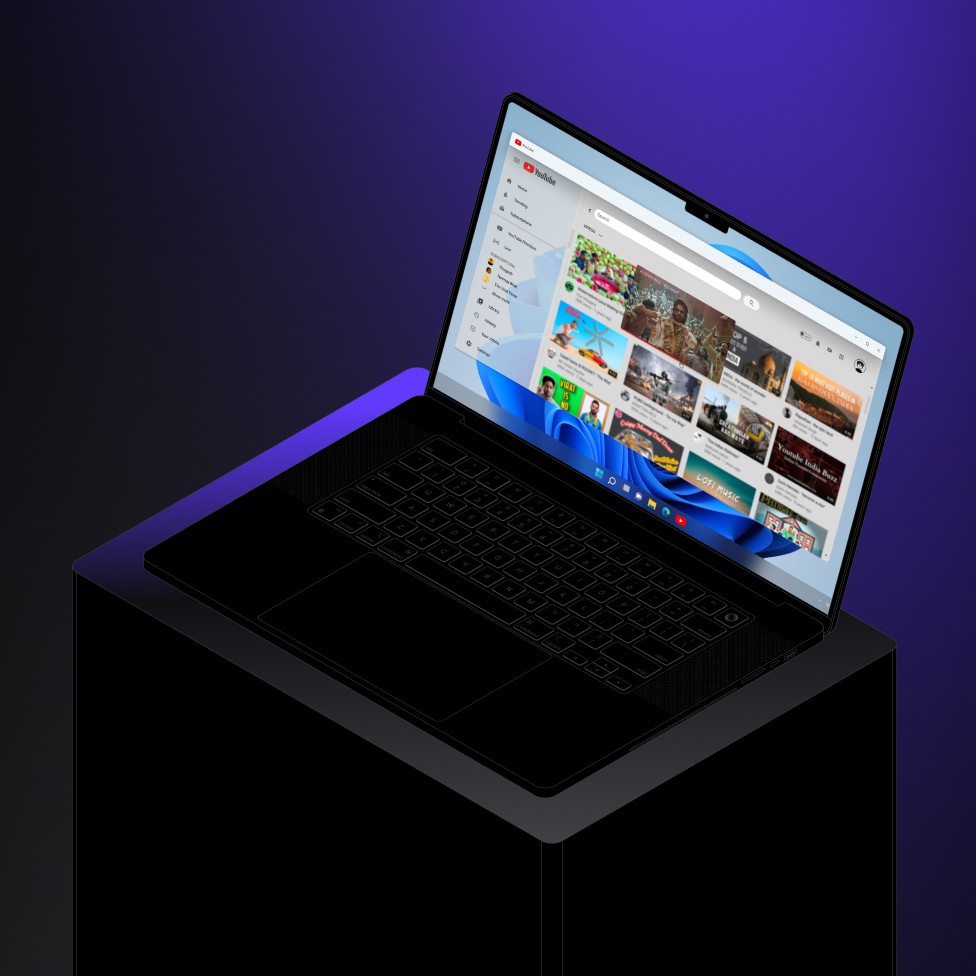
The following changes were made to improve the user interface and user experience of the YouTube platform, ensuring greater interactivity, customization, and fluid navigation.
Key Changes Made:
Light/Dark Mode Toggle:
A button has been added to switch between light and dark modes, offering users the ability to customize their viewing experience based on their preference or the environment.Shorts and Long Videos Toggle:
A separate button now allows users to toggle between Shorts and long-form videos, providing quick access to either content type for a more personalized viewing experience.Back Button:
A dedicated "Back" button has been introduced to allow users to navigate seamlessly to the previous page or section, enhancing ease of use.Hover Effects on Video Tiles:
When hovering over a video tile, a blur effect is now applied. This visual cue improves user engagement by providing a more dynamic and interactive preview of the video content.Dynamic Button Placement on Video Play:
The placement of buttons dynamically changes when a video is played, ensuring that the interface remains clean and unobtrusive while the video is in progress.Time Elapsed Display on Shorts:
The time elapsed on Shorts is now shown, helping users track their progress and view the duration of each short-form video.Minimal Full-Screen Controls:
When videos are in fullscreen mode, the controls have been minimized to improve immersion and provide a cleaner viewing experience with fewer distractions.Picture-in-Picture (PIP) Mode:
The addition of a ">" button allows users to minimize the video tile and enjoy content in Picture-in-Picture mode. This enables multitasking and a more flexible viewing experience while users continue to browse or engage with other content.
Conclusion:
These UI changes enhance the overall YouTube experience by improving usability, navigation, and customization. The new features make it easier for users to interact with videos, track content, and customize their viewing experience—ultimately leading to a smoother, more enjoyable interaction with the platform.